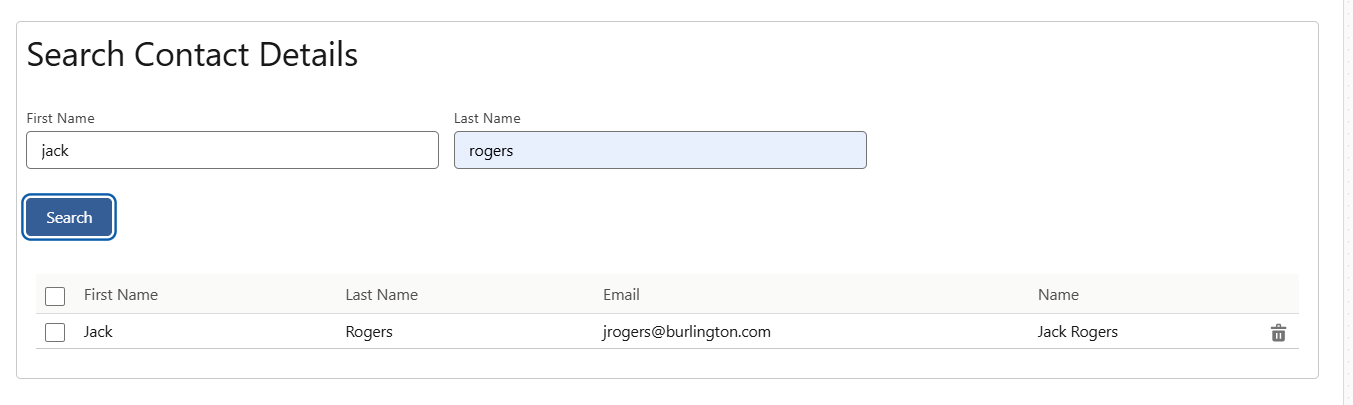
There are several ways to pass data from a FlexCard to a DataTable. In this blog, I’ll outline the specific steps I’ll be using to achieve this.
- Parent flexcard having contact data from datamapper.
- Child flexcard having datatable will display contact details from parent.
Note
By the end of this blog, you’ll also learn how to implement basic search functionality using only OmniStudio FlexCards and DataTables, without any custom code.
Follow the below steps :
- Create a parent flexcard and add fields according to your requiremnts. For example, I added FirstName and LastName.
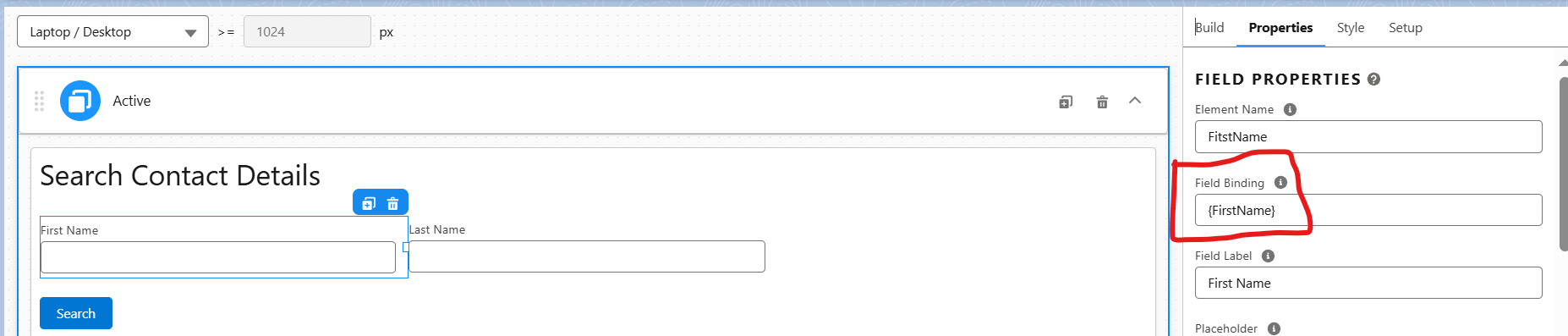
- Field binding in FlexCards is used to dynamically display data on the card by binding fields to data from data sources like Salesforce records, REST APIs, or other integrations.
- Search Button Actions: For onclick data extraction we will use Action type Data and data source would be Datamapper.See attached screenshot.


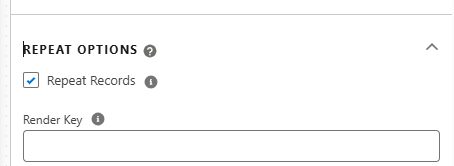
- Make sure that repeat option of parent flexcard should be on.
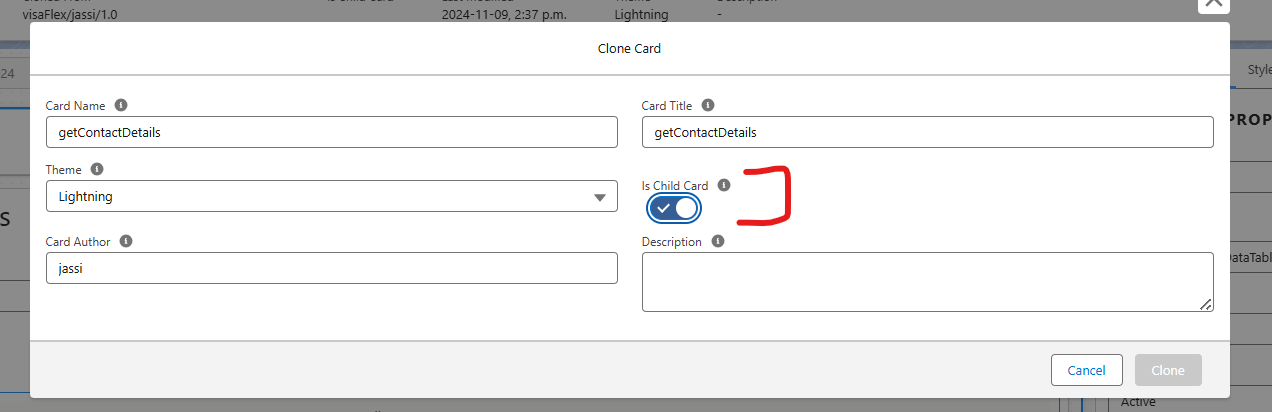
- After everything done on parent flexcard, now create child flexcard. While creating child flexcard Is-child should be selected.
- Add datatable element from buid into flexcard and pass {records}.

- Add Desired fields into datatable that you wants to display from parent flexcard node.

- Once everything done Activate Child flexcard.
- Now go back to Parent flexcard and add element flexcard and pass {record.Contacts}
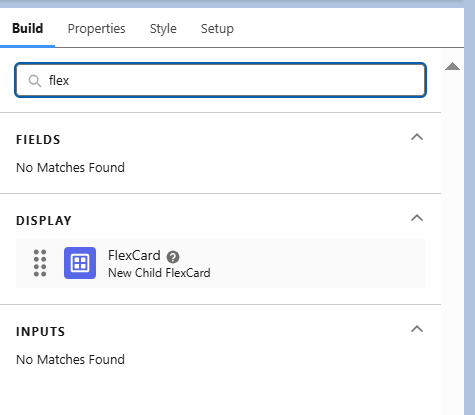
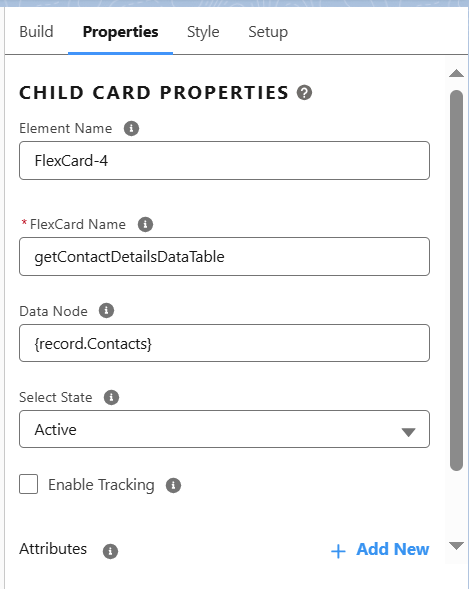
Note
Data source should be added into both flexcards.
After doing all above steps the output would be as below screenshot